Start with what
you already know.
Upload documents or import website pages. Give your assistant the product details, policies, and resources that matter to your business.
PDF · Word · Excel · Text · URLs
CHATBOTS FOR WEBSITES & TEAMS
Give your customers and employees a place to ask.
Build an AI assistant from your documents and website. No code required.
Your content. Your assistant. On your website.
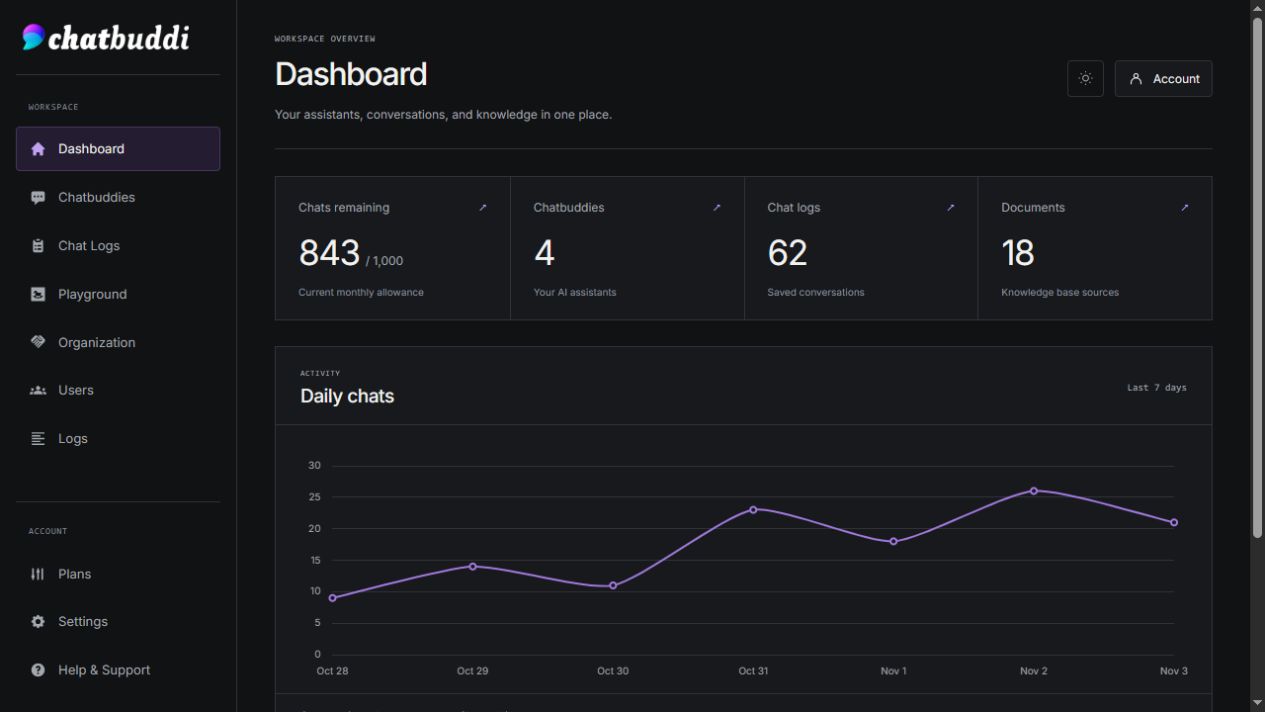
Manage chats, review activity, and keep your knowledge up to date. Shown with sample workspace data.
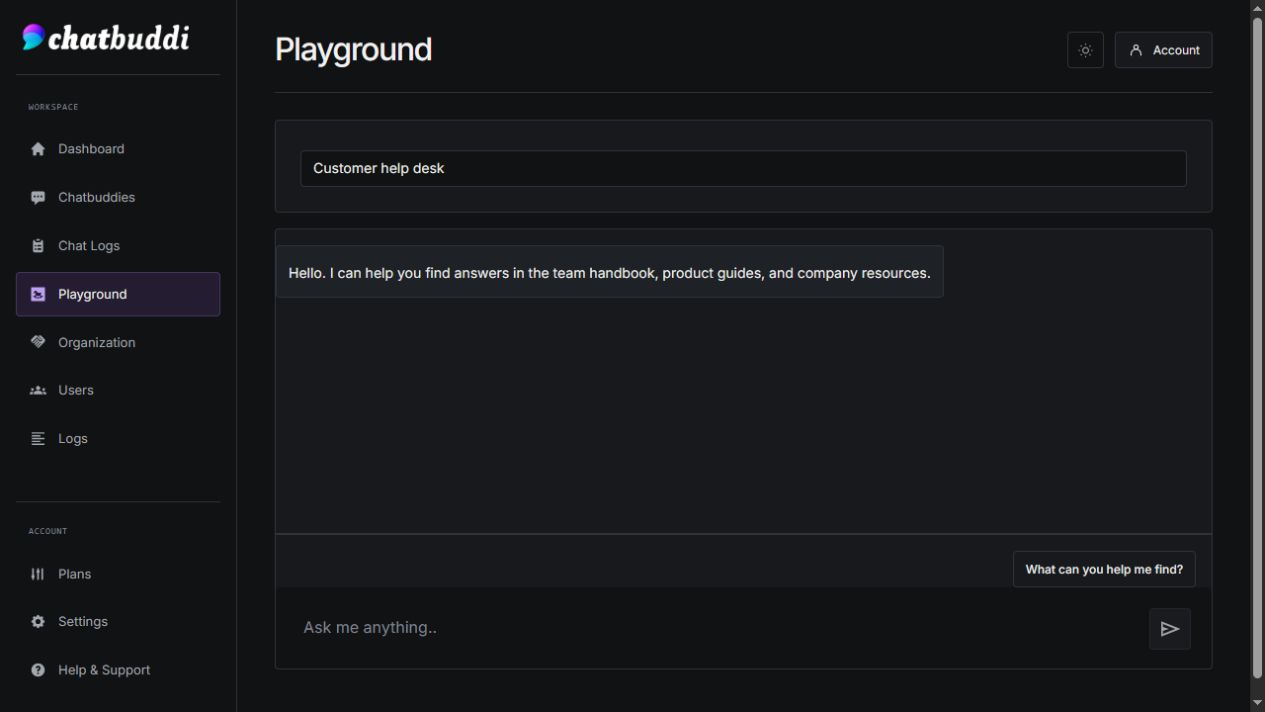
Choose a Chatbuddi and test questions against your content. Shown with sample workspace data.
A USEFUL ADDITION TO YOUR TEAM
Your best information is already written down.
Make it easier for people to find and use.
Upload documents or import website pages. Give your assistant the product details, policies, and resources that matter to your business.
PDF · Word · Excel · Text · URLsAdd a chat widget to your website with a copy-and-paste snippet. Share a direct link when your team needs a place to ask.
Website widget + direct chat linkUpdate your knowledge base, adjust the assistant’s instructions, and review conversations from one dashboard as your business changes.
Content, settings & transcriptsSET UP. TRY IT. SHARE IT.
You bring the knowledge.
Chatbuddi brings the conversation.
Upload documents and add website pages to build your assistant’s knowledge base.
Choose a name, welcome message, appearance, and instructions. Test a few questions before sharing.
Copy the embed code to your website or share a direct chat link. Update your content whenever you need to.
A walkthrough of the platform, from content to conversation.
PICK YOUR STARTING POINT
Start with a small knowledge base.
Choose more capacity when you need it.
For testing Chatbuddi.
Start for freePerfect for small websites looking to help a smaller customer base.
Choose Basic PlanFor companies and agencies looking to provide HR support to 2-10 employees.
Choose Basic PlanPaid plans are billed monthly through Stripe. Review your plan and billing details before subscribing.
Chatbuddi is a no-code AI chatbot platform. Add your business documents and website content, customize your assistant, then embed it on your website or share a chat link.
No coding is needed to create and configure your chatbot. To add it to a website, paste the supplied embed snippet into your site’s HTML or ask the person who manages your website.
You can upload PDF, Word, Excel, and text files, or import content from a website URL. Only upload content you have permission to use, and keep it current.
Yes. Share a direct chat link so your team can ask questions about the content you provide. Review your sharing settings and avoid adding information that shouldn’t be available to people with the link.
AI can make mistakes, even with a knowledge base. Test your assistant, keep source content up to date, and verify important answers before relying on them.
BUILT IN FARGO, NORTH DAKOTA
We built Chatbuddi to make AI easier to put to work. We use it in our own projects, and we’re making it available to yours.
Meet Ware Software